The Arcade
A downloadable game for Windows
Arcade
This is a small game that I am trying to make without using any game engine. It is supposed to be a game where you can play multiple older classical games or games made in a similar style. All of the games in this game are my own recreations of classical games or something that I came up with on my own or asked a friend for an idea. Some of the code is generated or optimized using AI because I am just starting to learn a part of the languages used in this and don't have the necessary knowledge to created a playable game. I also created all of the assets and art and that is why it looks the way it looks, I might recreate it in the future but for now, I just want it to work.
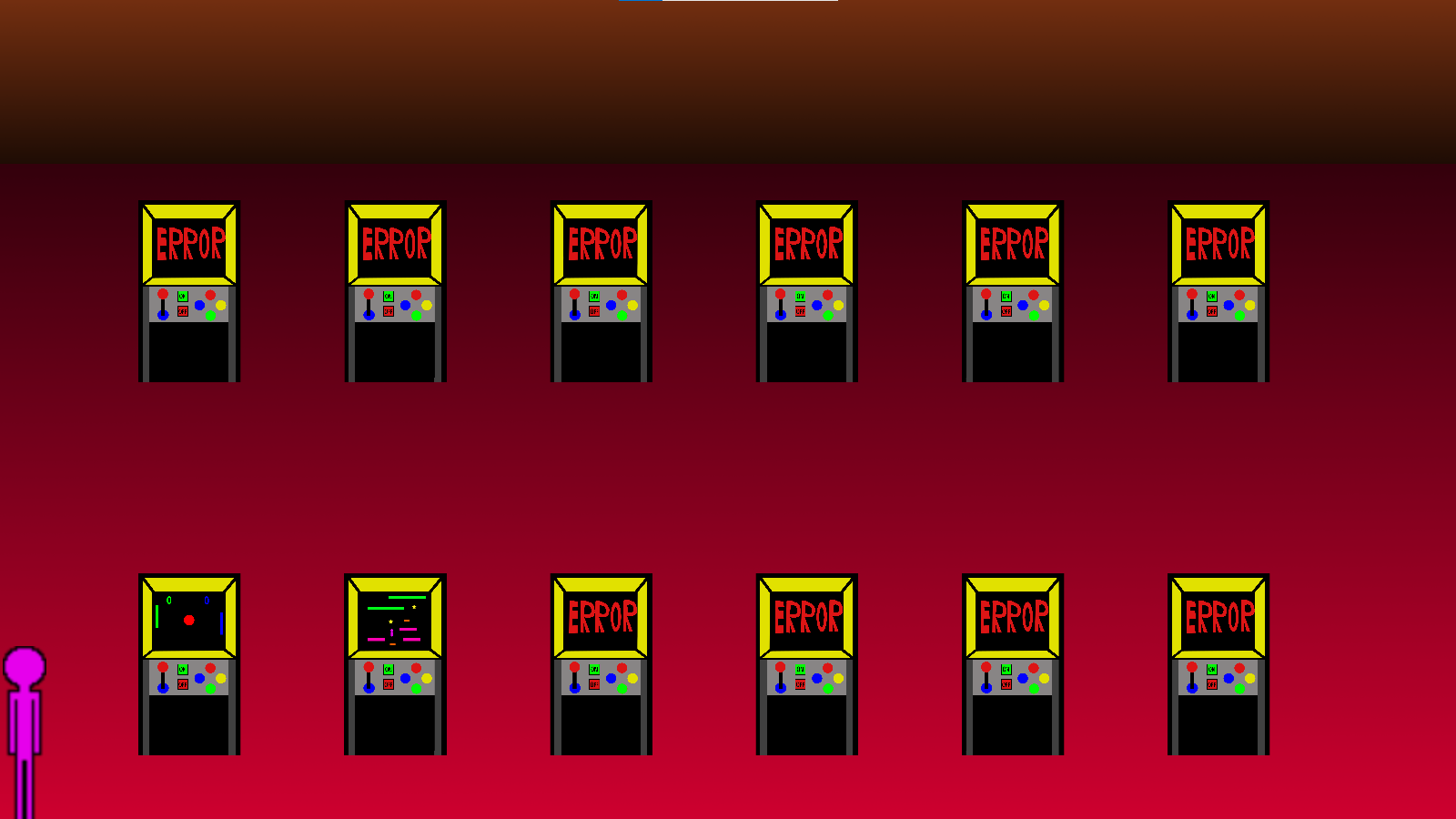
There are currently only two games
Instructions
To play the game you have to download the installer, install the game and then you can play the game. I code when I have time and when I want to so I can't promise that I will make new version regularly. there is a file containing some of the basic values like movement speed and later probably even scores and other things, I have no problem with you editing it if you fid it but I can't guarantee that the game will work if you do so. I you have any suggestions on what to add, change, or even for a new game then write it in the comments. the game is locked in full screen at purpose because I haven't fixed the dynamic resizing and if the windows is too small a lot of the game (at lest the main screen) is not visible.
Controls
For now there is no way to set controls and there are just the controls that I coded in.
I will ad a screen where you can change them in the future, but I don't know when.
The current controls are:
The main screen
Movement is with W, S, A, D
If you want to play a game, go under the machine and press "space"
To quit the game press "esc"
Pressing "esc" in any of the games returns you to the last screen as long as there is no button made exactly for returning or resetting the game.
There is no running.
for now
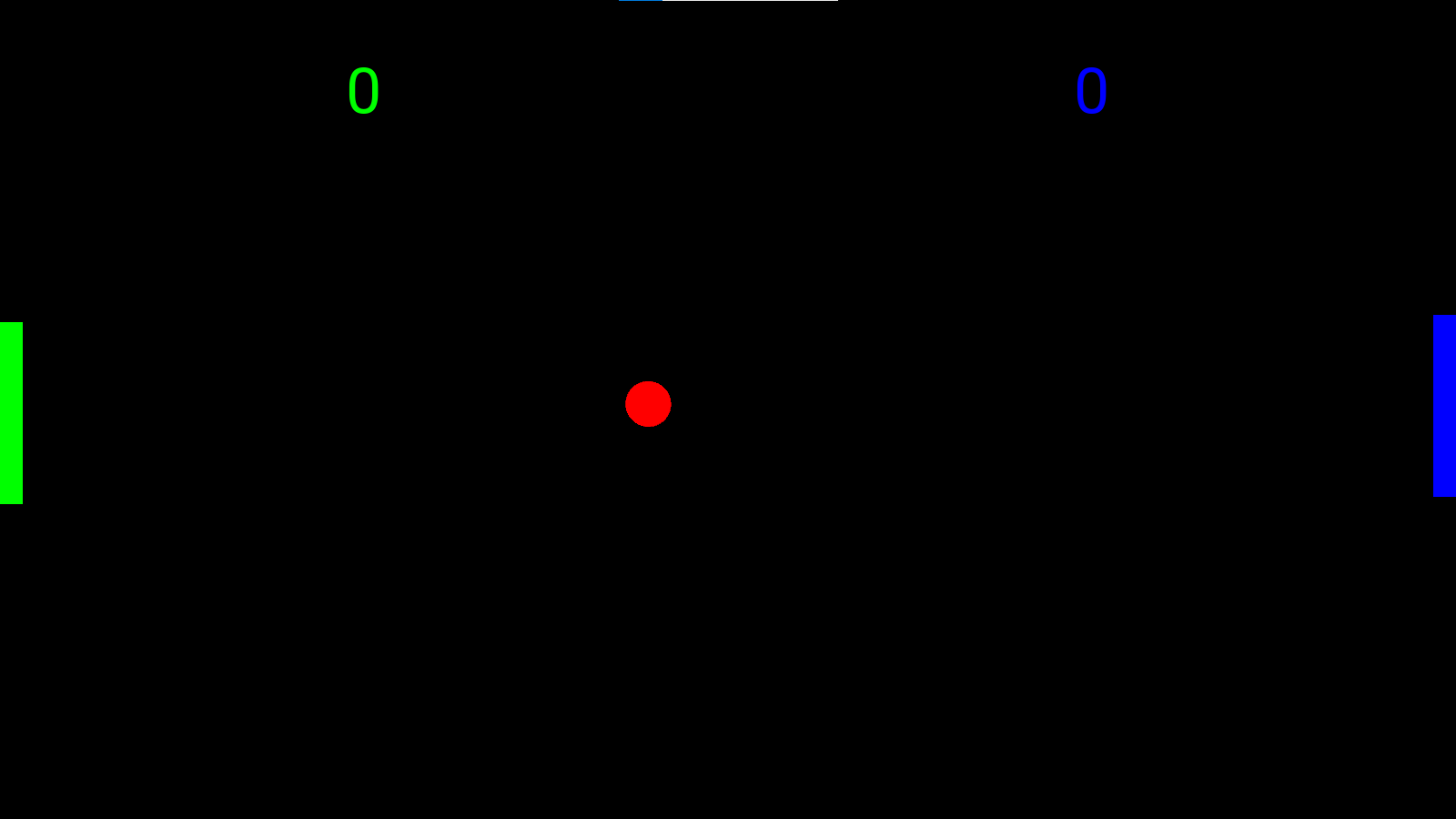
First game
For now there is only a single-player version
To move up use W
To move down use S
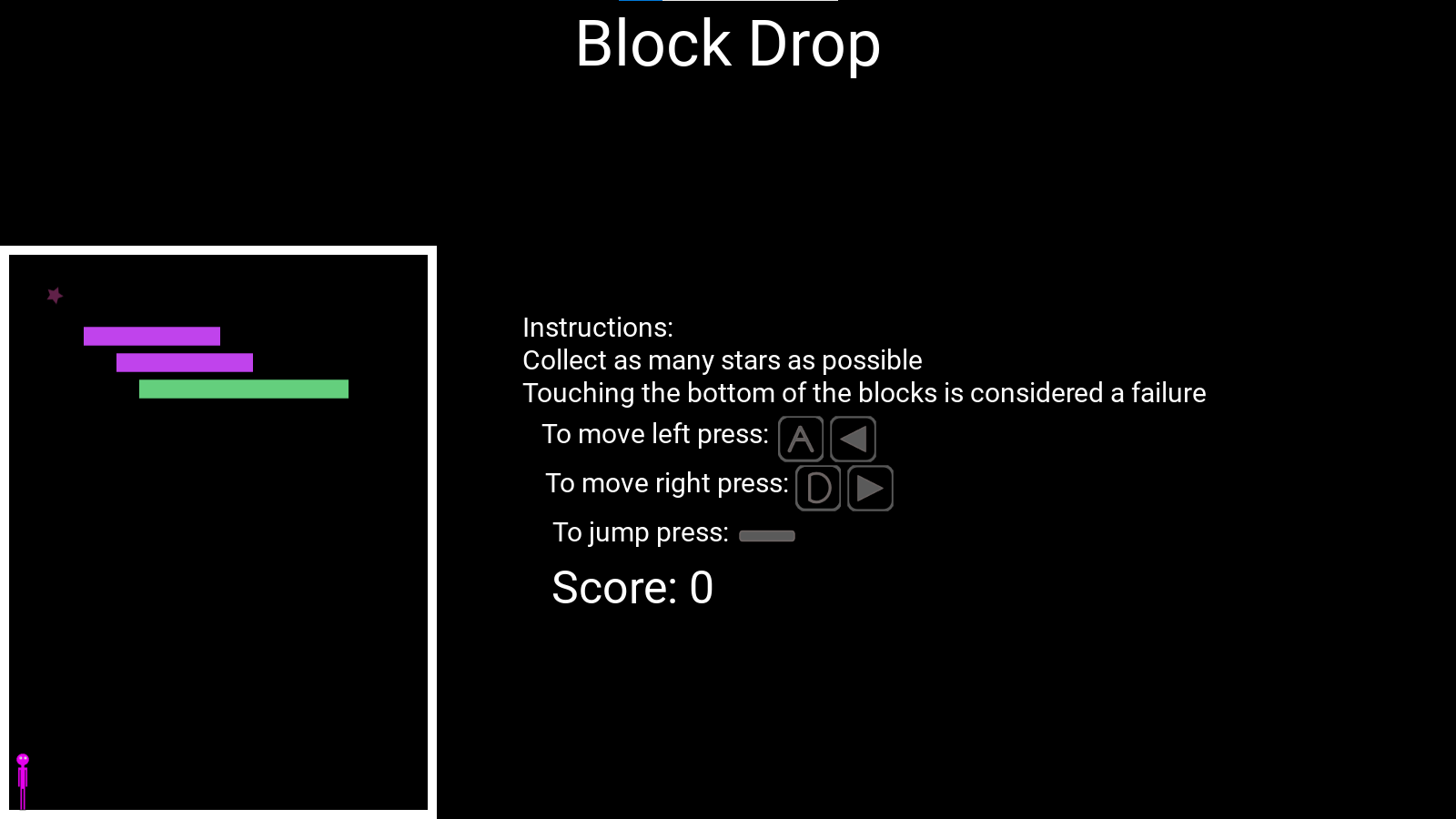
Block Drop
(second game)
To move left or right use A, D
To jump use "space"
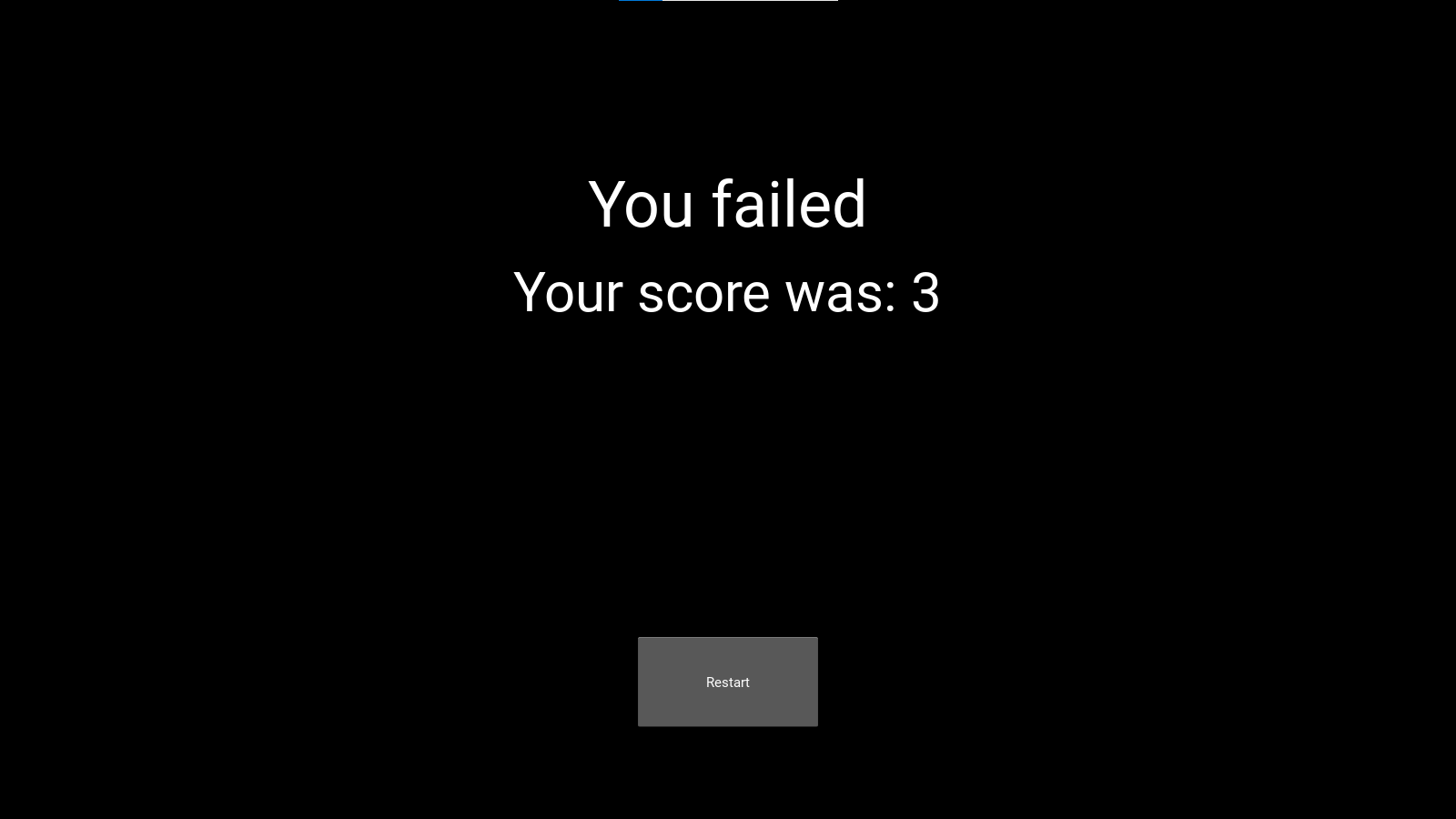
if you fail and you can't press the button to rese the game because you can not see your cursor the use "alt "+ "tab" to go to another windows and the back you should see your cursor and be able to press the button.
Download
Install instructions
I had to use an installer for the game to work properly.
Leave a comment
Log in with itch.io to leave a comment.